Customs — from broker-mediated filings to self-serve visibility.
The problem
The track I led most closely. Customs work is dense and regulated (ISF, ACE manifests, CBP entry and entry summary, AES, PGA holds) and it used to be filed on the customer's behalf, with almost no self-serve visibility into where anything stood.
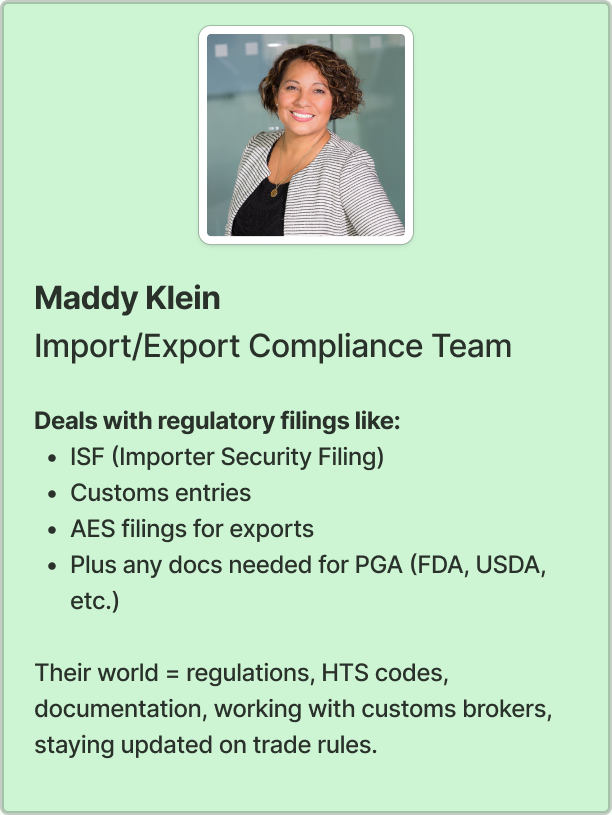
Learning customs for real
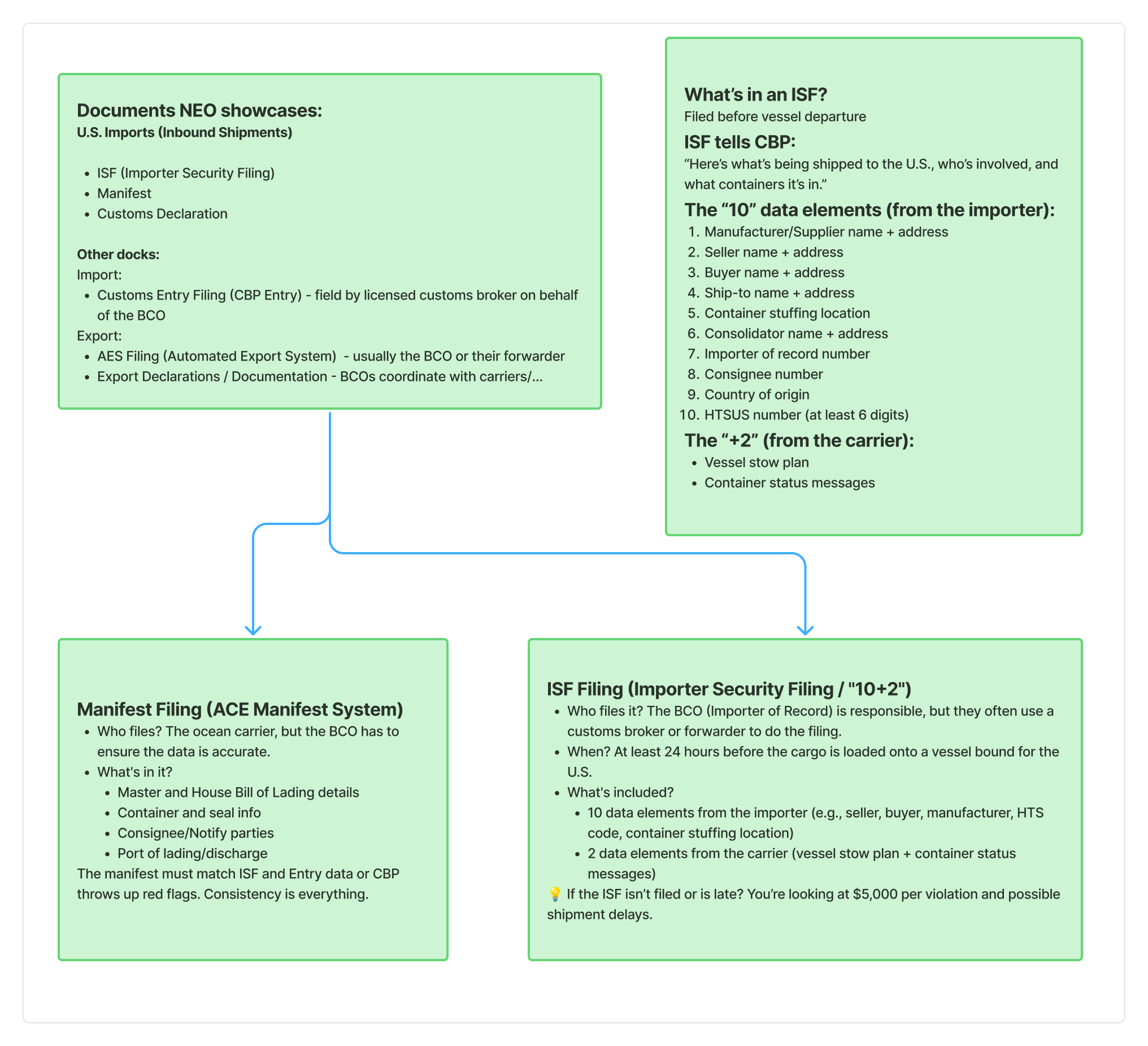
The design only worked because I went deep on customs compliance and the documentation patterns underneath it: what an ISF actually contains (the "10+2"), who files the ACE manifest, how CBP entry and entry summary relate, where PGA holds come from. Fun fact: I was doing this right as the new tariffs first rolled out, so it wasn't only learning to navigate customs — it was understanding how tariffs get applied and how the whole thing functions internationally. And Neo added its own wrinkle: when a shipment is small and LTL, how does it get combined and transported?
The decision: status first
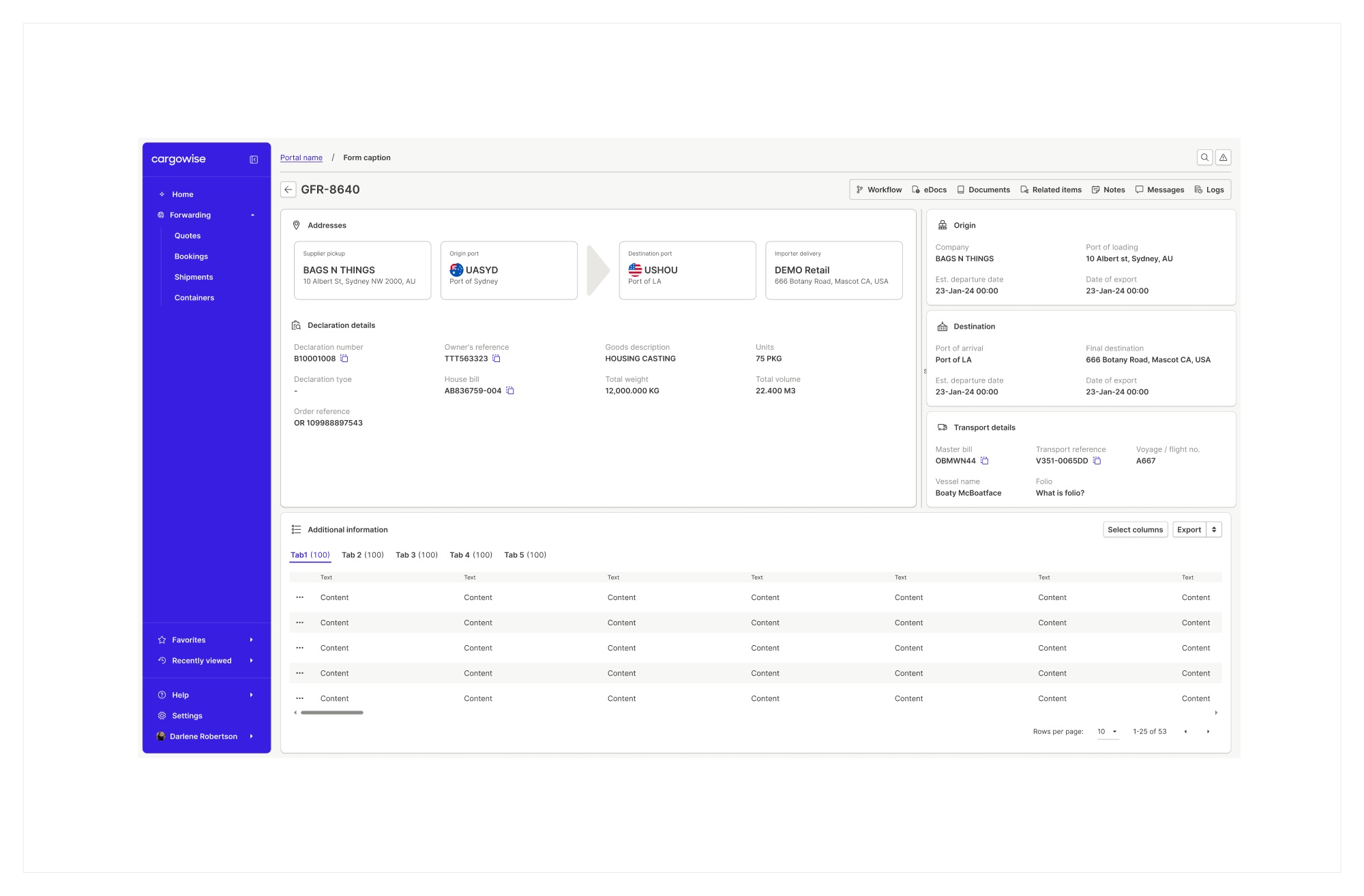
The declaration screen leads with status, not data entry. A right-rail summary answers "where is it?" first: cargo release, entry summary, transport. A visual origin-to-destination journey sits up top. Declaration, statement, and PGA status group below; related data (containers, commercial invoices) is tabbed; and every grid carries Select columns and Export.
Import, export, and components that didn't exist
In the declaration it was visually important to separate import from export, and to keep Neo aligned with the WiseTech UI design system. The system didn't have all the components we needed, so I had to get creative: working with the DS design team and the Neo developers to produce custom-created components where the standard set ran out. The declaration family grew to four variants (Export, US Export, US Import, Import), each on the same bones.
ISF without the re-typing
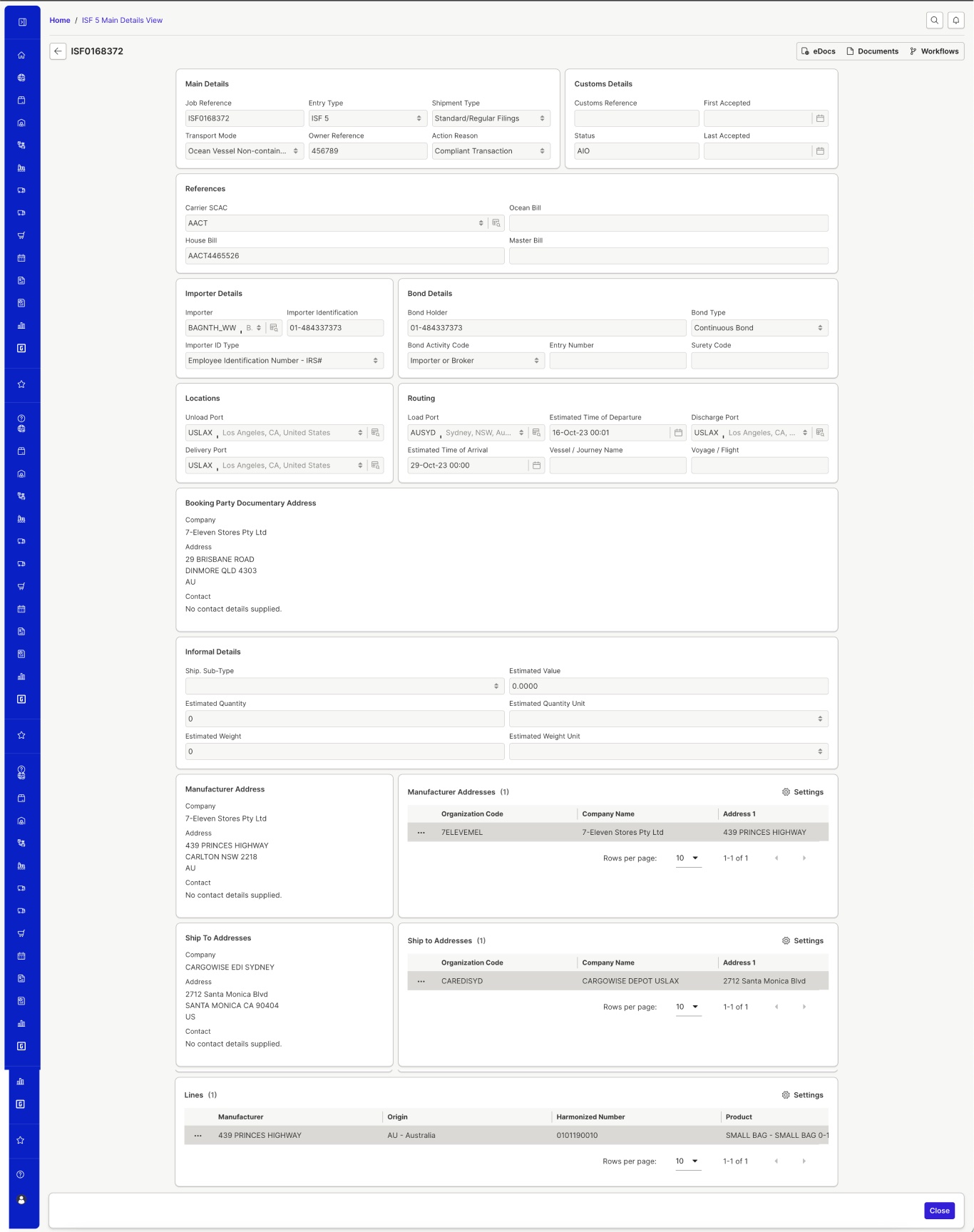
For ISF the question was how filling out the form could be streamlined, chunked, and re-grouped to lower the user's cognitive load. We also implemented data pulling, a smart form fill: if a user had filed something similar before, they update the key details instead of filling everything from scratch.
What it enabled
Compliance teams check filing and release status themselves, pull grids into their own tools, and find every document in one place, with no broker in the loop for the routine questions.